The Complete Guide to Free Website Monitoring: Tools, Performance, and Uptime Strategy
A practical look at free website monitoring, uptime checks, performance issues, and which tools are actually useful when you want something simple that works.

- Built to be practical and easy to verify in real-world use.
- Written and reviewed by the SiteAlive team.
- Updated to stay aligned with current product details and changes.
If you search for website monitoring free, you are probably not looking for a giant enterprise platform. You are usually trying to answer a much simpler question: how do I keep an eye on my site without turning this into another full-time job?
That is a fair question. Most people do not start with complicated infrastructure. They start with one website, one product, one store, one side project, or one client site. And at that stage, paying for a heavy monitoring stack often feels unnecessary. But ignoring monitoring completely is usually a mistake. Sites go down. Pages slow down. DNS breaks. SSL certificates expire. Third-party scripts hang. And the worst part is that many teams do not notice any of it until a visitor points it out.
That is where a simple free website monitoring service becomes useful. It gives you visibility before a user complaint turns into a bigger problem. And if you choose the right website monitoring software, even a free setup can go a long way.
Know when it breaks
The first job of monitoring is basic: tell you when your site stops working.
Watch performance
A site can be technically online and still feel broken if it gets too slow.
Free is often enough
For many teams, a lightweight free setup already covers the essentials.
Why free website monitoring matters
People sometimes treat monitoring like something you add later, after traffic grows, after revenue improves, or after the site becomes “serious.” In reality, it is often more valuable earlier. Smaller teams have less redundancy, fewer people watching dashboards, and less room for mistakes. If the site goes down for half a day and nobody notices, that can hurt a lot more than people think.
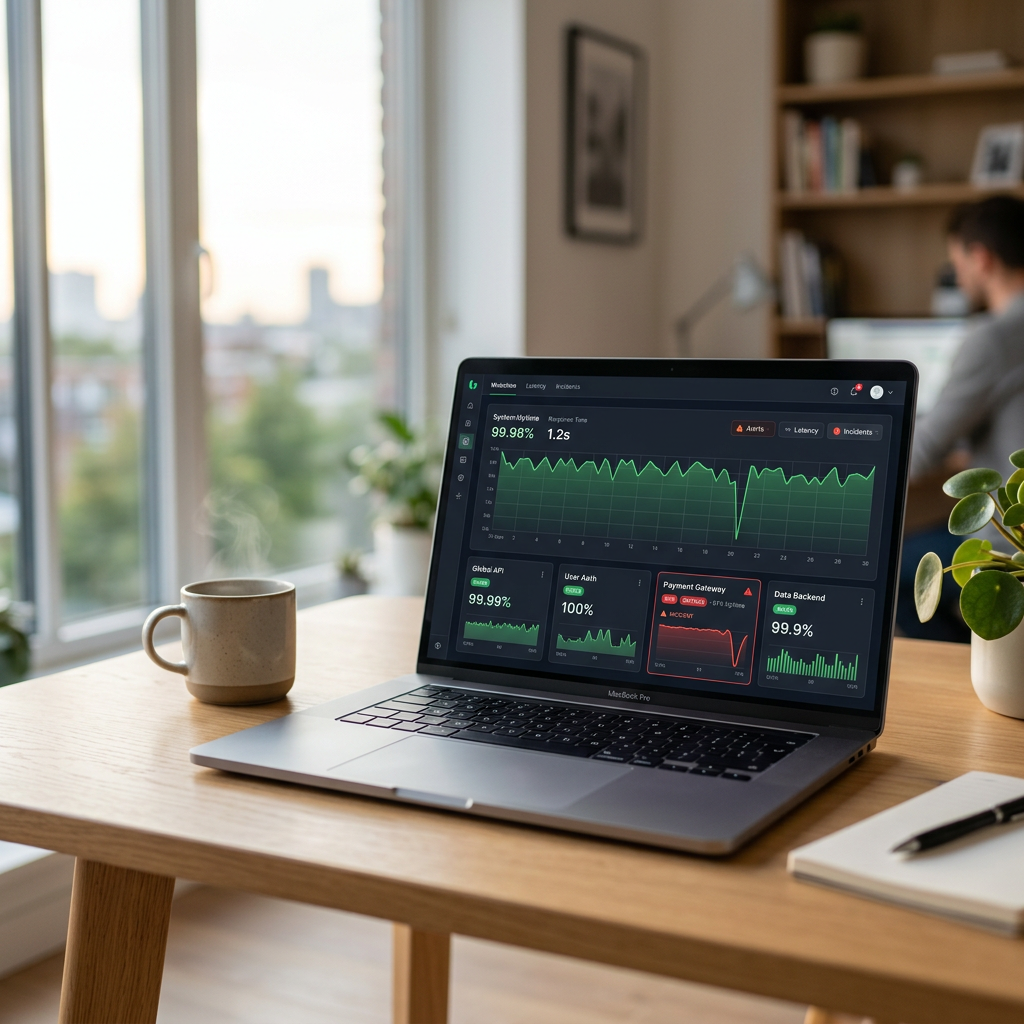
Uptime monitoring helps because it removes the guesswork. Instead of opening your own homepage once in a while and assuming everything is fine, you have a tool checking it consistently. If something fails, you know. If something starts slowing down every afternoon, you see that too. That is the difference between hoping and actually knowing.
If you want a simple place to start, the website status checker home page gives a quick feel for how website status checking works. If you want something more structured, the free website monitoring dashboard is the better next step because that is where monitoring turns from occasional checking into an actual workflow.
This is the practical value of monitoring: you can see when a monitored website goes down and when it comes back online, without waiting for a customer to tell you first.

Want to start with the free plan? Open the free website monitoring dashboard to create a free account and start monitoring your site for free.
You do not need a huge monitoring setup at the start, but you do need some way to know when your site stops behaving normally.
What good monitoring software should actually do
A lot of monitoring tools list dozens of features, but most users care about a few obvious things.
- It should check your site automatically. Manual checking is not monitoring.
- It should alert you clearly. If a problem happens, you should not need to dig through logs just to understand the basics.
- It should show history. One failed check might be random. Repeated failures tell a story.
- It should help with performance too. A site that is constantly slow is not healthy, even if it is technically online.
The last point is easy to underestimate. Many website problems start as performance issues. Response times get worse, pages become inconsistent, and then eventually something fails outright. That is why the better website monitoring software options do not only ask whether a site is up. They also help you understand whether it is behaving properly.
To see how plan limits usually expand as your monitoring needs grow, here is a simple comparison between free and paid tiers.

Uptime monitoring versus performance monitoring
These two ideas are closely related, but they are not identical. Uptime monitoring tells you whether your website is reachable. Performance monitoring helps you understand how well it is responding. Both matter.
A homepage that returns a 200 status code after eight or ten seconds is technically available, but that does not mean users will be happy. For an ecommerce store, that could mean lost conversions. For a SaaS company, it could mean frustrated users who start wondering whether the product is reliable. For a media site, it could mean people bounce before the page is even usable.
This is why many teams should not think of performance as something separate from monitoring. It belongs inside the same conversation. If response times begin trending in the wrong direction, that is often your early warning sign.
And when you need to investigate further, supporting tools become useful. A website ping test tool can help you check reachability, while DNS lookup tool or HTTP header checker can help you figure out whether the issue is DNS, server behavior, or a misconfiguration.
Hosted service or self-hosted tool?
Most people looking for free monitoring end up choosing between two paths. The first is using a hosted monitoring service. The second is using self-hosted open-source monitoring tools.
The hosted route is easier for most users. Setup is faster, the interface is already there, and you do not need to maintain the monitoring system yourself. That matters more than people think. If your monitoring setup becomes annoying to manage, it often gets ignored.
The self-hosted route is attractive when you want more control or enjoy building your own stack. One of the best-known options here is Uptime Kuma. It is a genuinely useful free tool, and a lot of technical users like it because it gives them flexibility without immediate cost. But it is also fair to say that it assumes more technical comfort. It is not just a button you click and forget. You need to host it, maintain it, and trust your own setup.
That does not make it bad. It just means it is a different kind of solution. For teams without development bandwidth, a simpler hosted option is often the more realistic choice.
Best if you want something clean, easy, and ready to use with less maintenance.
Best if you already have technical confidence and want more control over the setup.
Free website monitoring vs paid monitoring
Free website monitoring is often enough when you are watching one website, want clear alerts, and mainly need confidence that your site is online. Paid monitoring usually becomes more attractive when you need to monitor more sites, want higher usage limits, need broader reporting, or want a public status page for customers.
That distinction matters for both users and search engines. A page about website monitoring free should explain not only what free tools do well, but also where a paid plan starts to make sense. That gives readers a more complete answer and helps search systems understand that this page covers the full decision process.
How to get real value from free monitoring tools
The biggest mistake people make is monitoring the wrong thing. They add the homepage, maybe one more page, and call it done. But the parts of a website that matter most are not always the obvious ones. If your login flow, checkout process, booking form, or API endpoint is the real business-critical part, that is what deserves attention first.
Another mistake is creating alerts without a process. Monitoring only works when someone reacts to what it finds. You do not need a huge incident response plan, but you do need basic discipline. Check the alert. Confirm the issue. Review the history. See whether it is a one-off problem or part of a pattern.
This is where even free monitoring tools become surprisingly valuable. They help you build habits. You start noticing which pages are fragile, which services tend to slow down, and which issues keep returning. Over time, that is much more useful than a single dashboard snapshot.
When free monitoring is enough and when it is not
For many small sites, free monitoring is completely fine. If you are running a personal site, a local business page, a small SaaS, or an early-stage online store, a limited but reliable setup may be all you need for quite a while.
Where free plans become restrictive is usually scale. Maybe you need more frequent checks, more notification channels, more sites, or more detailed reporting. That is when upgrading starts making sense. But there is no reason to force that too early. A smaller setup that gets used consistently is much better than an advanced platform that nobody really looks at.
The question is not whether free monitoring is perfect. The question is whether it is good enough to help you catch problems early, learn how your site behaves, and build better habits around reliability. In many cases, the answer is yes.
Frequently asked questions about free website monitoring
Is free website monitoring good enough for a small business?
Yes, in many cases it is. A small business often needs simple uptime monitoring, basic alerting, and a clear history of recent checks. That is usually enough to catch the most important issues early.
What is the difference between website monitoring and uptime monitoring?
Uptime monitoring focuses on whether a website is reachable. Website monitoring is broader and can include uptime, response time, configuration checks, and supporting diagnostics.
What should I monitor first on a website?
Start with the most business-critical page or endpoint. That may be your homepage, login page, checkout flow, booking form, or API route depending on how your site works.
Can free monitoring tools help with performance issues?
Yes. Even if a free tool is not a full performance suite, response time trends and repeated slow checks can still give you an early warning that something is getting worse.
Final thoughts on website monitoring free options
If you are searching for a free website monitoring setup, focus less on huge feature lists and more on practical value. You want something that helps you notice downtime, watch basic performance, and respond before small issues become bigger ones.
That is what makes free monitoring useful. It is not about replacing every advanced observability platform on day one. It is about giving you a clear, low-friction way to protect your site.
If you want to try that approach now, go to the free website monitoring dashboard, create a free account, and start monitoring your first site.
If you are comparing what to monitor first, the website status categories page groups outages by service type, including hosting, cloud, payments, developer tools, and streaming platforms.
Related posts
Is Website Down? SiteAlive.io vs Popular Website Down Checkers
Looking for the best way to check website status? Compare SiteAlive.io with IsItDownRightNow, Downdetector, DownForEveryoneOrJustMe, Pulsetic, and Uptrends to see which website down checker offers the best mix of speed, alerts, usability, and monitoring value.