How to Earn Free Months of Website Monitoring with SiteAlive Referrals
A practical guide to SiteAlive referrals: your code never expires, referred users get 45 days of free Pro access, and every 3 code uses can unlock 30 free days for you.

- Built to be practical and easy to verify in real-world use.
- Written and reviewed by the SiteAlive team.
- Updated to stay aligned with current product details and changes.
If you already care about whether your website is online, there is a good chance you know other people who care about the same thing. Clients, friends, founders, developers, store owners, bloggers, and small businesses all run into the same problem sooner or later: a website goes down, and nobody notices until someone complains.
That is the simple idea behind SiteAlive referrals. If you use SiteAlive and recommend it to someone who also needs website monitoring, you can earn free months of monitoring through your own account. Everything starts inside your SiteAlive dashboard, where you can find your own unique affiliate link and code.
First, create a SiteAlive account from the dashboard
To use the affiliate system, you need a SiteAlive account. The easiest place to start is the website monitoring dashboard. From there, you can create an account, log in, add websites to monitor, and access the account features connected to your profile.
This matters because your referral information is personal to your account. SiteAlive needs to know which user sent the referral, so the unique affiliate link and code are stored in the dashboard.
Where to find your affiliate information
Once you are logged in, open the dashboard and go to the Affiliate section. That is where SiteAlive stores more information about the referral system, including the unique code and affiliate link connected to your account.
Your affiliate link does not expire. You can use it long term in blog posts, resource pages, newsletters, social profiles, videos, client documents, or anywhere else you want to recommend SiteAlive. If someone signs up using your code or link, the referral can benefit the SiteAlive user who posted it.
Good to know: Your SiteAlive affiliate link can be posted publicly if you want it indexed by search engines. The link does not expire, so content you publish today can still send referrals later.
How the SiteAlive referral system works
The referral system is designed to be simple enough to explain in one conversation, but useful enough to keep rewarding you over time. Your code never expires, and you can share it as many times as you like. That means a link you add to a blog post, client resource page, social profile, or YouTube description can keep working long after you publish it.
When someone uses your code, they get 45 days of free Pro access from the moment they apply it. Each person can only use one referral code once, so the benefit is meant for new users who are trying SiteAlive through someone they trust.

Your own reward is based on groups of successful referrals. For every 3 people who use your code, you unlock 30 more free days on your own SiteAlive account. In practice, that means helpful recommendations can turn into extra monitoring time for you, while the people you refer get a real chance to try Pro features before paying.
How free monitoring months work
When someone signs up through your referral information and applies your code, your SiteAlive account can earn free monitoring time once enough people have used it. In plain English: you recommend SiteAlive, people use your referral code, and every group of 3 successful uses can add 30 free days to your own account.
This is useful if you already use SiteAlive for your own websites. Instead of paying for every month yourself, referrals can help extend your monitoring access. For freelancers, agencies, and website owners with a network, it can be a simple way to lower the cost of keeping important sites watched.
Who should you share SiteAlive with?
The best referrals are not forced. Share SiteAlive with people who actually have a website and would benefit from knowing when it goes down. That could be a client who just launched a new site, a friend running an online store, a startup founder, a local business owner, or someone managing several domains.
You can explain it in a simple way: SiteAlive helps monitor websites, check if a site is up or down, track response time, and keep important website status information in one dashboard. If that solves a real problem for them, your referral feels helpful instead of promotional.
Good places to mention your referral
If you write guides, publish a newsletter, run a website agency, or help people with SEO and hosting, SiteAlive can fit naturally into your content. You might mention it in a checklist after launching a website, in a client handover document, in a blog post about uptime monitoring, or in a message to someone who asks how to know when their website is down.
Because your affiliate link never expires, it can also work well in evergreen content. If you publish a public guide that search engines can index, readers may continue finding it over time. When they use your SiteAlive affiliate link or code, the referral can be connected back to your account.
Why public affiliate links can be useful
Some users prefer to share affiliate links privately with clients or friends. Others may want to publish the link publicly so it can be discovered through search engines. Both approaches can work. If you write useful content about website monitoring, uptime checks, or how to know when a website is down, adding your own SiteAlive affiliate link can make sense.
The key is to use your own link from the Affiliate section in the dashboard. That way, if someone uses the code or link, the benefit goes to the user who posted it.
Quick start checklist
- Go to the website monitoring dashboard. Create a SiteAlive account or log in.
- Open the Affiliate section. This is where your referral information is stored.
- Find your unique code and affiliate link. Use the referral information connected to your own account.
- Share SiteAlive with relevant people. You can share it privately or post it publicly for search engines to index.
- Explain the benefit clearly. New users get 45 days of free Pro access when they apply a code, and you get 30 free days for every 3 people who use yours.
- Check your dashboard. Follow the information shown there for referral status and free monitoring time.
Final thoughts
The SiteAlive affiliate system is a practical way to earn free days of website monitoring by recommending a tool that helps people avoid surprises when their sites go down. Create an account from the dashboard, open the Affiliate section, use your own unique code or affiliate link, and share SiteAlive with people who genuinely need monitoring.
Your affiliate link never expires, and you can publish it publicly if you want it indexed by search engines. If someone uses your code or link, they can get 45 days of free Pro access, and every 3 people who use your code can unlock 30 more free days on your own account.
FAQ
Where do I create a SiteAlive account?
You can create an account or log in from the website monitoring dashboard.
Where is my affiliate code?
Logged-in users can find their unique referral code and affiliate link in the Affiliate section of the dashboard.
Does my affiliate link expire?
No. Your SiteAlive affiliate link does not expire, and you can share it as many times as you like.
What does the person using my code get?
Each person can use one referral code once and gets 45 days of free Pro access from the moment they apply it.
What do I earn when people use my code?
For every 3 people who use your code, you unlock 30 more free days on your own SiteAlive account.
Can I post my affiliate link publicly?
Yes. Users can post their affiliate link publicly if they want it indexed by search engines. If someone uses that code or link, it can benefit the user who posted it.
Related posts
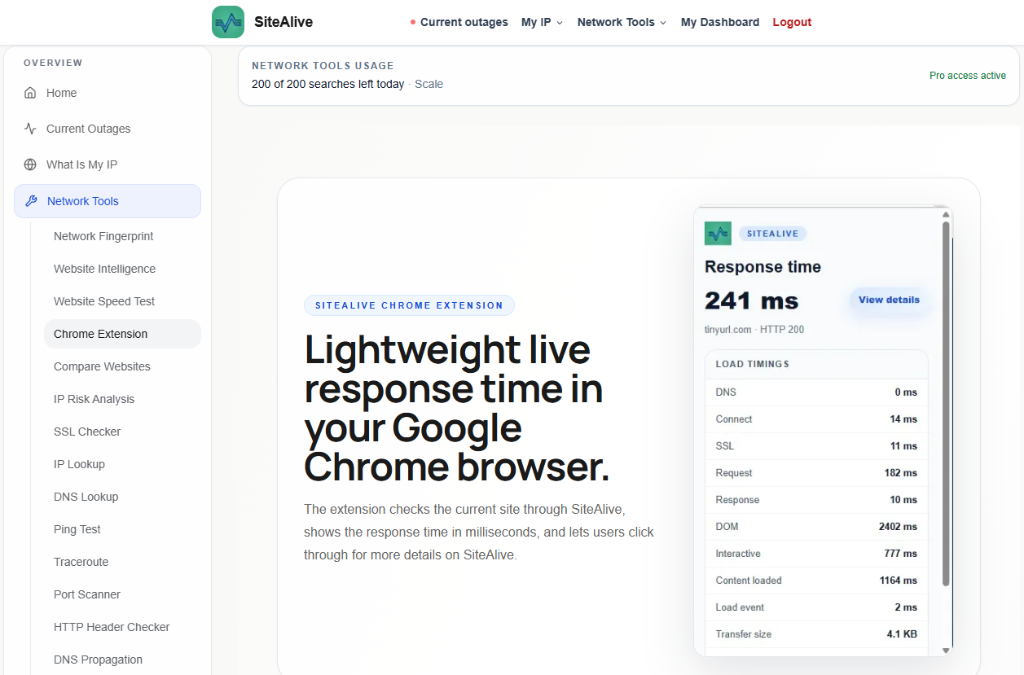
SiteAlive Chrome Extension: Check Response Time While You Browse
The SiteAlive Chrome extension helps you check live website response time directly from your browser, making quick performance checks easier while you browse.

Fastest Website and Slowest Websites on SiteAlive
SiteAlive has launched Fastest Website and Slowest Websites — two new pages that make website performance easier to compare, explore, and understand at a glance.