Fastest Website and Slowest Websites on SiteAlive
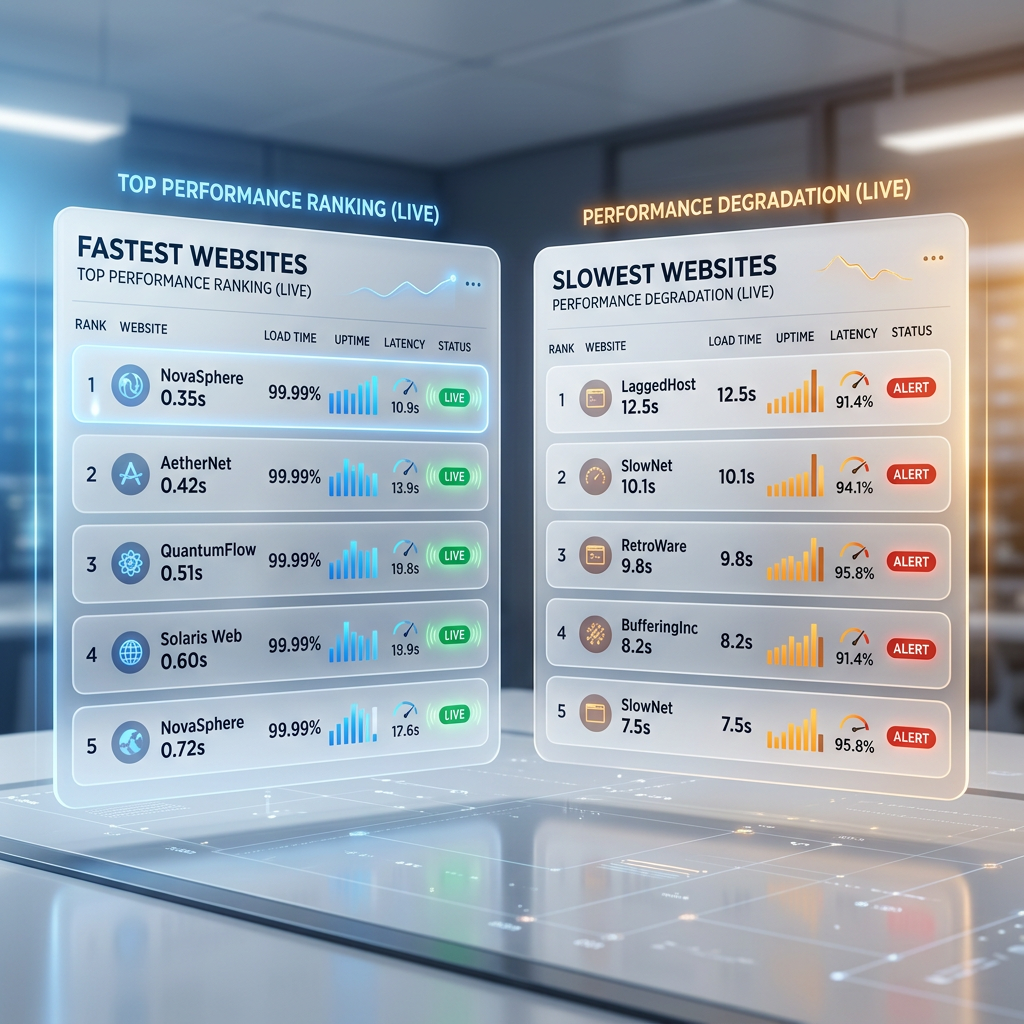
SiteAlive has launched Fastest Website and Slowest Websites — two new pages that make website performance easier to compare, explore, and understand at a glance.
- Built to be practical and easy to verify in real-world use.
- Written and reviewed by the SiteAlive team.
- Updated to stay aligned with current product details and changes.
SiteAlive has launched two new ranking pages: Fastest Website and Slowest Websites. They are designed to make website performance easier to compare at a glance, without forcing visitors to dig through technical reports first.
The idea is simple. Some websites respond quickly and feel light. Others take longer to answer, which can make them feel unreliable even when they are technically online. By separating the fastest and slowest observed websites into dedicated pages, SiteAlive gives readers a clearer way to explore response-time differences across real websites.
You can open the live pages here: Fastest Website and Slowest Websites.
Why speed rankings are useful
Website speed is one of the easiest performance signals to understand. A low response time usually means the website answered quickly. A high response time can suggest server load, network delays, routing issues, heavy infrastructure, or temporary degradation.
That does not mean one slow check proves a website is broken. It does mean the result is worth noticing. When a site appears repeatedly slow, users may experience delays, failed actions, or the feeling that something is wrong even if the page eventually loads.
Speed is not the only signal that matters, but it is one of the clearest early signs that a website may not be performing well.
What the Fastest Website page shows
The Fastest Website page highlights websites with the quickest observed response times in SiteAlive checks. It is useful when you want to see which sites are currently responding with very low latency.
This can help readers understand what a fast response looks like in practice. It also gives website owners a simple benchmark. If similar websites are responding much faster, that can be a sign to investigate hosting, caching, DNS, redirects, or backend performance.
What the Slowest Websites page shows
The Slowest Websites page highlights websites with slower observed response times. This does not automatically mean every listed website is down. A slow website may still be reachable, but it may take longer than expected to respond.
That distinction matters. Many visitors describe a very slow website as “down” because the practical experience feels similar. If a page takes too long to answer, people may refresh, leave, or assume the service is having problems.
How to interpret the rankings
These rankings should be treated as live performance snapshots, not permanent judgments. Website response time can change throughout the day depending on traffic, infrastructure, network routing, geographic conditions, deployments, and temporary incidents.
For that reason, the most useful approach is comparison. Look at the ranking, open an individual website page, and compare the response time with other signals like uptime status, recent checks, and user reports.
- Fast response times usually indicate that a site answered quickly during recent checks.
- Slow response times may indicate delay, degradation, or heavier infrastructure behavior.
- Repeated slow results are more meaningful than a single unusual check.
- Context matters, especially for large global services with complex routing.
Why this matters for website owners
If you run a website, speed is part of reliability. Visitors may forgive a small delay once, but repeated delays can affect trust, conversions, signups, search performance, and support requests.
A site can be online and still feel unhealthy. That is why uptime monitoring and response-time monitoring belong together. Knowing whether your site is reachable is important, but knowing whether it responds quickly is just as useful.
If you want to monitor your own website, you can use the SiteAlive dashboard to track availability and response time over time.
How these pages fit into SiteAlive
These pages work best as part of the wider SiteAlive flow. You might start with a ranking, compare it with the top websites checked on SiteAlive, click into a site page for more detail, and then use tools like the Website Speed Test or Compare Websites if you want to look closer.
The goal is not only to show a list. The goal is to make website performance easier to explore from different angles: speed, availability, category, popularity, and diagnostic context.
FAQ
What is the fastest website on SiteAlive?
The fastest website can change over time because the ranking is based on observed response-time data. Visit the Fastest Website page for the current list.
Does a slow website mean it is down?
No. A slow website may still be online. However, very slow response times can feel like downtime to users, especially if pages take too long to load or actions fail.
Why do fastest and slowest rankings change?
Rankings change because response times are affected by traffic, hosting conditions, routing, deployments, and temporary incidents.
Can I compare my own website?
Yes. You can use SiteAlive tools such as Website Speed Test, Compare Websites, and the monitoring dashboard to check and monitor your own site.
For more context beyond speed rankings, the website status categories page groups sites by industry so you can compare performance and availability patterns across similar services.
Related posts

How to Earn Free Months of Website Monitoring with SiteAlive Referrals
A practical guide to SiteAlive referrals: your code never expires, referred users get 45 days of free Pro access, and every 3 code uses can unlock 30 free days for you.
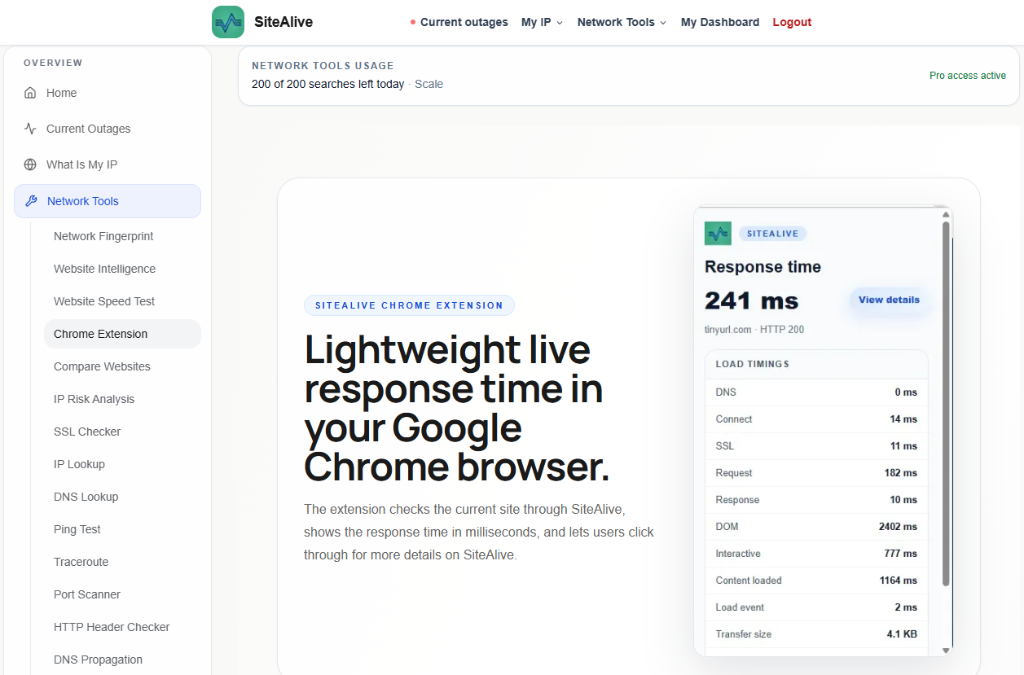
SiteAlive Chrome Extension: Check Response Time While You Browse
The SiteAlive Chrome extension helps you check live website response time directly from your browser, making quick performance checks easier while you browse.